

Online Safety & Digital Wellbeing
Our Commitment
At Kilnhurst Primary School, safeguarding extends beyond the school gates. In today’s digital world, we are committed to ensuring that all pupils develop the knowledge, skills and understanding needed to stay safe online and use technology responsibly.
Online safety is a key part of our safeguarding and personal development offer. We work in partnership with pupils, staff and families to ensure children can navigate the online world safely, confidently and respectfully.
How We Teach Online Safety
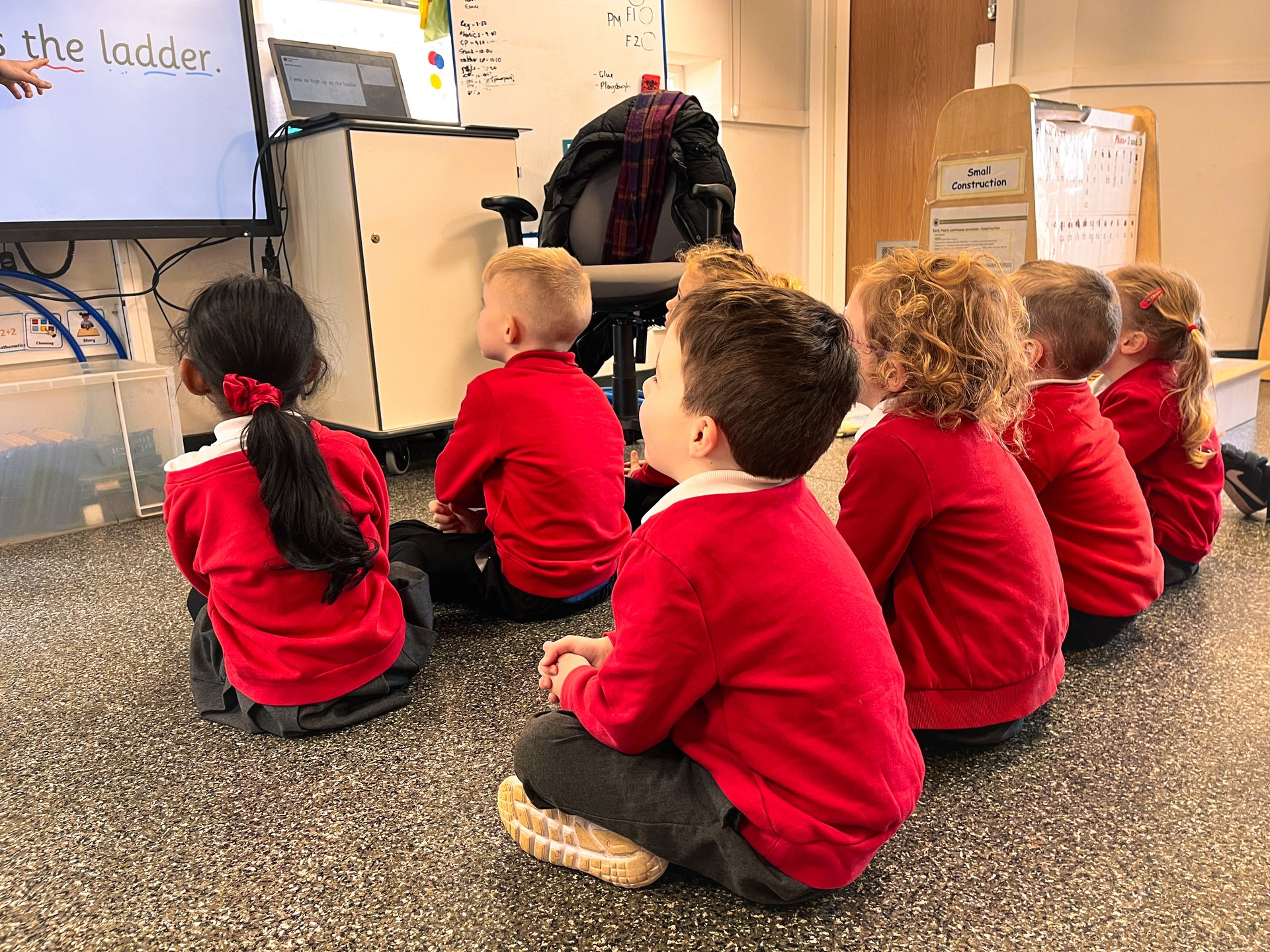
Online safety is taught through a structured and progressive curriculum and reinforced throughout school life.
Pupils learn about online safety through:
- PSHE lessons – focusing on relationships, respect and keeping safe
- Computing lessons – including privacy, digital footprints and safe technology use
- Assemblies and themed events – reinforcing key safeguarding messages
- Daily interactions – where staff consistently promote safe and responsible behaviour
Through this, pupils learn:
- How to stay safe when using the internet and devices
- What to do if something worries or upsets them
- How to treat others respectfully online
- The importance of protecting personal information
Pupil Voice and Impact
We regularly seek pupil voice to ensure our online safety education is effective and relevant.
Pupils tell us that they:
- Feel confident in knowing how to stay safe online
- Understand the importance of keeping personal information private
- Know who to speak to if something worries them
- Can recognise unsafe or inappropriate behaviour
This shows that our curriculum is having a positive impact on pupils’ knowledge, confidence and behaviour in the digital world.
Supporting Parents and Carers
We believe that working in partnership with families is essential in keeping children safe online.
Top Tips for Keeping Children Safe Online
- Talk regularly with your child about their online activity
- Keep devices in shared family spaces where possible
- Use parental controls on devices, apps and broadband
- Check age ratings for games and apps (PEGI ratings)
- Encourage your child to speak to a trusted adult if something concerns them
Popular Apps, Games and Social Media
Many platforms (e.g. TikTok, Snapchat, Roblox and Fortnite) include:
- Chat features
- In-app purchases
- Age restrictions
We encourage parents to:
- Check privacy settings regularly
- Be aware of who children are communicating with
- Monitor usage and screen time
Reporting Concerns
If a child feels worried or unsafe online, it is important that they speak to a trusted adult.
If you have any concerns, please:
- Speak to a member of staff
- Contact our Mrs Wright, Mr Booth or Mrs Swift, our Designated Safeguarding leads via the school office, our enquiries email or via our Class Dojo messaging app.
For serious concerns, you can report directly to CEOP:
👉 https://www.ceop.police.uk/Safety-Centre/
Useful Online Safety Resources
Policies
Our approach to online safety is supported by the following policies:
Safeguarding and Child Protection Policy
Review and Development
Online safety is an evolving area. We regularly review our curriculum, policies and practice to ensure they remain effective in keeping pupils safe in an ever-changing digital world.

